Android SMS gateway
Use a compatible Android device and its default SMS SIM to send messages from your business applications.
Fintech & Payment Solutions
Connect payments. Strengthen financial operations.
Business Operations Solutions
Coordinate workflows. Improve operational visibility.
Digital Platforms & SaaS Solutions
Deliver services. Support recurring business.
Data Intelligence & Automation
Understand performance. Inform business decisions.
Connected Systems & Cloud Solutions
Connect services. Support reliable operations.
Mobile & Customer Access Solutions
Extend access. Simplify customer interactions.
GeniusSuite · Business messaging
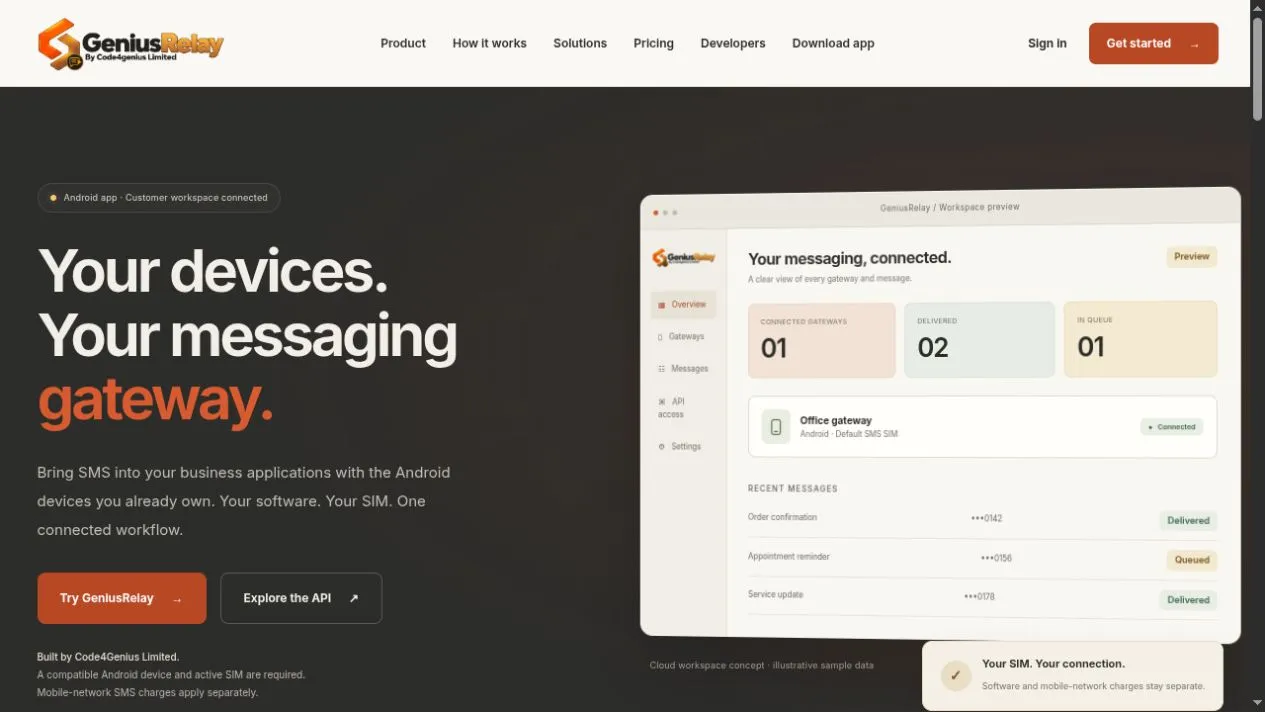
Your devices. Your messaging gateway.
The product
GeniusRelay connects your business software to the Android devices you already own. Your application submits messages to the hosted HTTPS API, and an activated Android gateway sends SMS through its default SMS SIM.
A customer workspace brings gateway activation, message history and operational controls together. Persistent queues, bounded retries and explicit message states help teams follow a request from acceptance through sending and available carrier reports.
What it does
Use a compatible Android device and its default SMS SIM to send messages from your business applications.
Activate gateways, review message history and manage messaging activity from a hosted dashboard.
Submit, read and cancel queued messages using HTTPS and scoped backend credentials. Idempotency keys help avoid duplicate request acceptance.
Keep accepted work through normal restarts. Bounded retries handle known temporary failures, while uncertain sends are presented for review.
Schedule messages with explicit time zones and expiry, cancel before handoff, and receive signed outgoing status events.
Work with team roles and an activity trail. Preview CSV contact imports, handle duplicates and respect consent and opt-outs.
Capture supported new SMS from approved senders, review a shared inbox and reply. Requires dashboard and Android opt-in, device support and receive permission.
Select eligible gateways before handoff and balance in-flight work within existing device allowances. Offered messages remain assigned to their phone.
How it works
Create your workspace, install the Android app and activate your phone using the setup guide.
Create messaging API credentials and connect your website, ERP or other business software.
Use the dashboard, API or status webhooks to monitor queued, sending, sent and reported delivery states.
Visit the product website for current availability, setup, downloads and plans.
Success
Error
Start the conversation by typing a message below.
Team member
So we can follow up, please share your contact details (optional).