GitHub repository integration
Select repositories available to your GitHub App installation, including authorised private repositories, and tie reviews to an immutable source revision.
Fintech & Payment Solutions
Connect payments. Strengthen financial operations.
Business Operations Solutions
Coordinate workflows. Improve operational visibility.
Digital Platforms & SaaS Solutions
Deliver services. Support recurring business.
Data Intelligence & Automation
Understand performance. Inform business decisions.
Connected Systems & Cloud Solutions
Connect services. Support reliable operations.
Mobile & Customer Access Solutions
Extend access. Simplify customer interactions.
GeniusSuite · Application security
Find risks. Verify evidence. Track fixes.
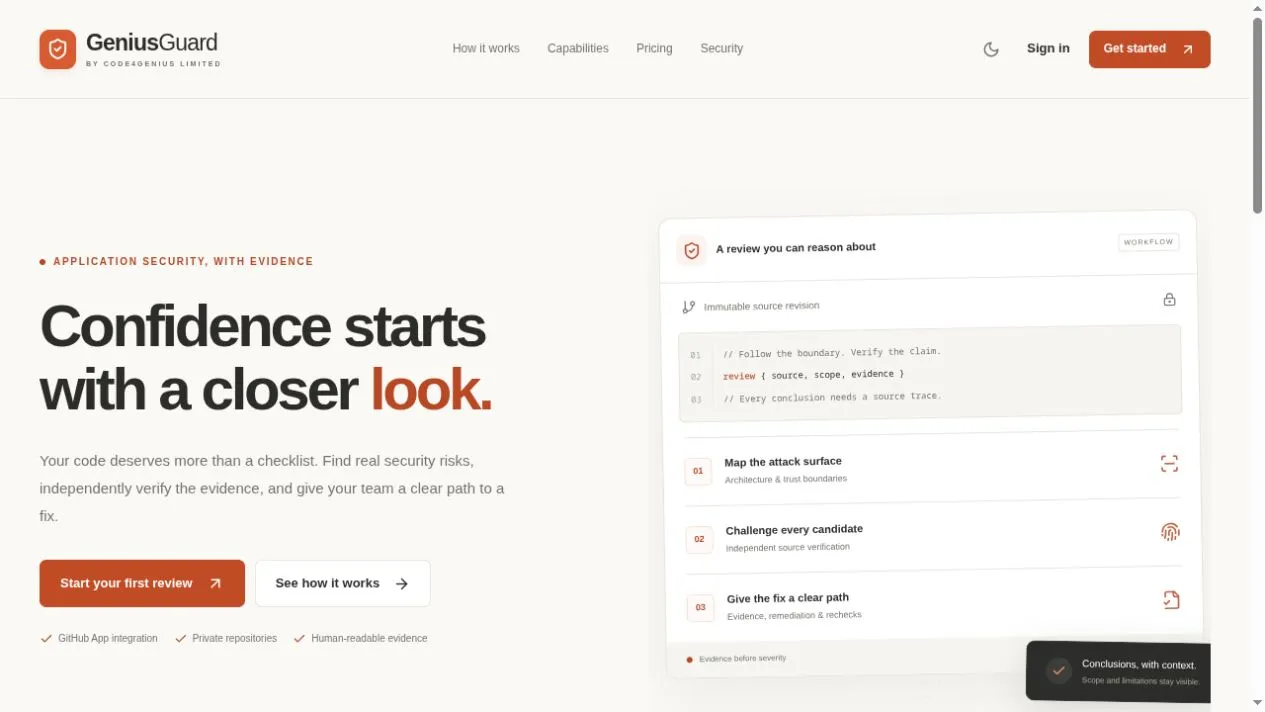
The product
GeniusGuard supports development teams with AI-assisted application security reviews. Connect repositories through a GitHub App installation, define the source revision and scope, and investigate how inputs move across security boundaries.
Candidate findings are challenged through independent checks before final reporting. Source traces, verification limits and coverage gaps remain visible, giving teams context for prioritising remediation and reassessing changed code.
What it does
Select repositories available to your GitHub App installation, including authorised private repositories, and tie reviews to an immutable source revision.
Choose a commit, paths, focus areas and review profile, with spending limits defined before the review.
Follow inputs, trust boundaries and controls. Coverage-led investigation distinguishes demonstrated boundary failures from general hardening suggestions.
Challenge candidate findings and verify final records against source evidence. Confirmed findings, blocked hypotheses and rejected claims remain distinct.
Select a bounded partial pass or a more detailed workflow with additional verification and coverage checks. Each profile retains the same evidence standard.
Keep deferred work, budget exhaustion, failed model calls and missing validation infrastructure visible rather than treating them as a clean security result.
Keep evidence, suggested remediation and assignments together, then request a new assessment of changed source.
Retain the source revision, scope, evidence and verification limits associated with historical conclusions.
How it works
Choose an authorised GitHub repository, pin the commit, and set review paths, focus areas, profile and spending limits.
Map trust boundaries and investigate candidate issues against a structured coverage record.
Apply independent checks to candidates and final records, retaining evidence and exact validation blockers.
Review confirmed findings and remaining gaps, assign fixes and reassess updated source.
Visit the product website to explore review workflows, capabilities, workspace access and current plans.
Success
Error
Start the conversation by typing a message below.
Team member
So we can follow up, please share your contact details (optional).